


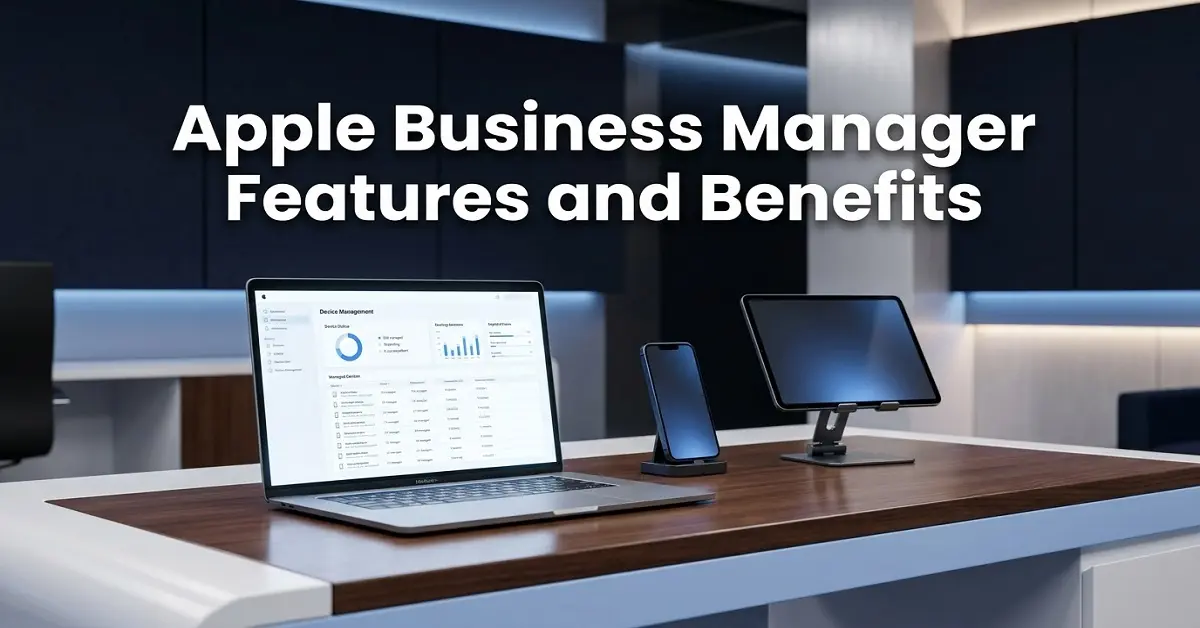
Apple Business Manager features and benefits matter for any company that uses Apple devices at work. The tool helps teams set up devices, manage apps, create work Apple accounts, improve security, and reduce manual IT tasks. However, there is one big update to know first: Apple Business Manager now sits inside Apple Business. Apple says Apple Business brings together Apple Business Manager, Apple Business Essentials, and Apple Business Connect in one platform.
So, if you still search for Apple Business Manager, you are in the right place. The old name is still common. Yet the current platform is Apple Business.
What Is Apple Business Manager?
Apple Business Manager was Apple’s online portal for business device, app, and account management. IT teams used it to add Apple devices, assign apps, create Managed Apple Accounts, and connect devices to a device management service.
Now, Apple Business handles those jobs and adds more tools for brand presence, support, storage, and business services. Apple says Apple Business helps companies manage devices, content, and brand identity across Apple products.
In simple words, Apple Business Manager was mainly for IT. Apple Business still helps IT, but it also supports business owners, brand teams, and customer-facing teams.
Apple Business Manager vs Apple Business
| Area | Apple Business Manager | Apple Business |
| Main use | Device, app, and account management | Device, app, account, brand, support, and business tools |
| User type | Mostly IT admins | IT teams, owners, managers, and brand teams |
| Device setup | Supported zero-touch setup | Supports zero-touch setup and built-in device management |
| Apps | App and book license control | App and book license control with wider business tools |
| Brand tools | Limited | Brand and location tools are included in the supported regions |
As a result, your article should use both names. Use Apple Business Manager for search demand. Then use Apple Business for accuracy.
Main Apple Business Manager Features and Benefits
1. Automated Device Enrollment
Automated Device Enrollment helps companies set up Apple devices without touching each one by hand. Apple says devices can enroll in built-in or third-party device management when they are added through Apple, an Apple Authorized Reseller, an approved carrier, or Apple Configurator.
This is often called zero-touch deployment.
For example, a company can send a MacBook straight to a new employee. The employee turns it on, signs in, and the device gets the right apps, settings, and security rules.

| Use case | Benefit |
| New hires | Faster setup on day one |
| Remote teams | Devices can ship straight to staff |
| Growing teams | IT avoids repeated manual setup |
| Shared devices | Devices can follow company rules |
| Replacement devices | Staff can get back to work faster |
For more help, read our guide to zero-touch Apple Business Manager Works.
2. Built-In Device Management
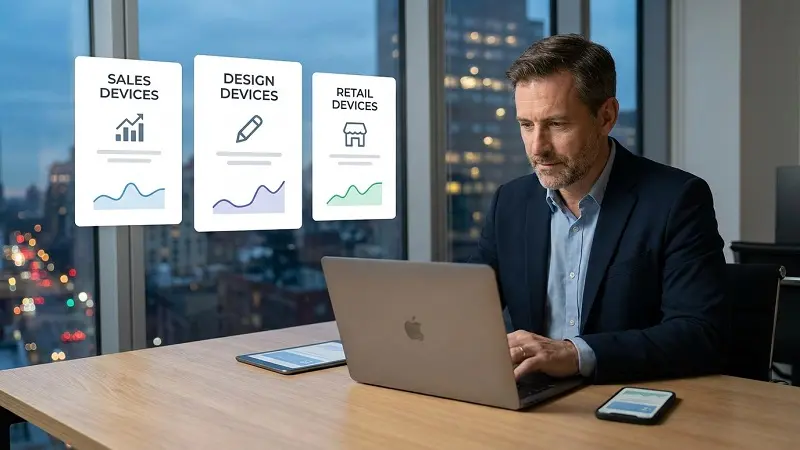
Apple Business now includes built-in device management in supported regions. Apple says this gives admins access to Configurations and Blueprints.
A Blueprint is a saved setup plan. Therefore, IT can create one setup for sales, another for design, and another for retail staff.
| Task | What it helps with |
| App setup | Sends work apps to users or devices |
| Security settings | Applies passcodes, restrictions, and other controls |
| FileVault settings | Helps protect Mac data |
| Remote actions | Lets IT lock, locate, or erase managed devices |
| Team setup | Gives each group the right apps and rules |
This is useful for small businesses that want simple Apple device management without starting with a separate MDM platform.
3. App and Book License Management
Businesses can obtain app and book licenses in bulk through Apple Business. Apple also says companies can assign, install, update, revoke, and reassign app licenses. The business keeps ownership and control of the apps it buys.
That matters because staff change roles. People leave. Devices get replaced. Without license control, companies can waste money on apps tied to personal accounts.
| Feature | Business value |
| Volume app licenses | Easier app rollout |
| Remote app install | Less manual setup |
| License revoke | Apps can be reused |
| License reassign | Less wasted spend |
| Custom Apps | Private apps can be shared with staff |
For related reading, see our guide to Apple app management for business teams.
4. Managed Apple Accounts
Managed Apple Accounts are work-owned Apple accounts. Apple says companies can create and manage these accounts at scale, use them for account-driven enrollment, and keep work data separate from personal data.
This helps during onboarding and offboarding. A worker can use a personal Apple Account for personal photos, messages, and apps. At the same time, they can use a Managed Apple Account for work data and work services.
| Need | How Managed Apple Accounts help |
| New employee setup | Gives staff a work Apple account |
| Data separation | Keeps work and personal data apart |
| Offboarding | Lets the company remove work access |
| App access | Connects work apps to work identity |
| Security | Gives IT better control over work accounts |
Apple Business can also connect with identity providers such as Google Workspace, Microsoft Entra ID, or another IdP. This helps staff use their normal work login.

5. Security and Device Control
Security is one of the strongest Apple Business Manager benefits. Companies can apply rules from the start, manage work apps, and take action if a device goes missing.
| Security feature | Why it matters |
| Remote Lock | Helps protect a lost device |
| Remote Erase | Removes data when needed |
| Lost Mode | Helps locate missing devices |
| Supervision | Gives more control over company-owned devices |
| App removal | Removes work apps after unenrollment |
| Managed accounts | Helps remove work access when staff leave |
However, Apple Business does not replace every advanced MDM need. Larger teams may still need a separate MDM for deeper reporting, patching, compliance rules, and automation.
UK and US Apple Business Feature Availability
Apple says feature access differs by country or region. For the UK, Apple lists Brand and Location Management, Branded Mail, built-in device management, Get Apps, Get Books, Managed Apple Accounts, Tap to Pay on iPhone, and zero-touch deployment. For the US, Apple lists those tools plus AppleCare+ for Business purchase, iCloud storage purchase, Mail, Calendar, Directory, and Verify with Wallet on the Web.
| Feature | UK | US |
| Brand and Location Management | Yes | Yes |
| Branded Mail | Yes | Yes |
| Built-in device management | Yes | Yes |
| Get Apps | Yes | Yes |
| Get Books | Yes | Yes |
| Managed Apple Accounts | Yes | Yes |
| Tap to Pay on iPhone | Yes | Yes |
| Zero-touch deployment | Yes | Yes |
| Buy AppleCare+ for Business | Not listed | Yes |
| Buy iCloud storage | Not listed | Yes |
| Mail, Calendar, and Directory | Not listed | Yes |
| Verify with Wallet on the Web | Not listed | Yes |
So, UK businesses get the main Apple device, app, account, brand, and payment tools. US businesses get extra services around support, storage, mail, calendar, directory, and wallet identity checks.
Do You Still Need MDM?
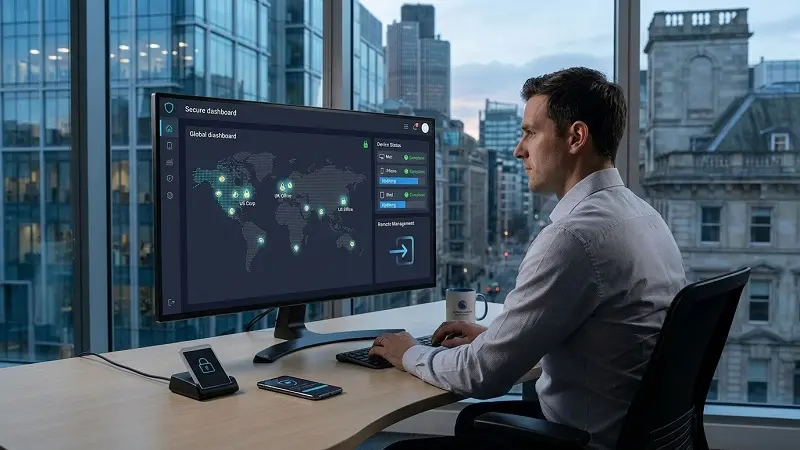
Many companies still need MDM. Apple Business gives teams a strong base for Apple device setup, but external MDM can help when a business needs advanced rules, reports, or mixed-device support.
| Use Apple Business built-in management if | Use external MDM if |
| You have a small Apple-only team | You manage a large device fleet |
| You want a faster setup for new staff | You need advanced reports |
| You manage Windows, Android, or ChromeOS, too | You need strict compliance checks |
| You have limited IT support | You manage Windows, Android, or ChromeOS too |
| You need a simple starting point | You need deeper automation |
In many cases, the best setup is Apple Business Plus MDM. Apple Business handles enrollment, app licenses, and Managed Apple Accounts. Then MDM handles deeper daily control.
For a deeper comparison, read our Apple Business Manager vs MDM guide.
Apple Business Manager Setup Checklist
Before rollout, use this simple checklist.
| Step | Action |
| 1 | Create or move to Apple Business |
| 2 | Verify your company |
| 3 | Add your Apple Customer Number or reseller details |
| 4 | Choose built-in management or external MDM |
| 5 | Add devices |
| 6 | Create Managed Apple Accounts |
| 7 | Connect your identity provider |
| 8 | Build Blueprints |
| 9 | Assign apps and books |
| 10 | Test with a small group first |
A small test reduces mistakes. For example, test one Mac, one iPhone, and one iPad before giving the setup to the full team.
Common Problems and Fixes
| Problem | Likely fix |
| The app does not install | Check Apple Customer Number or reseller link |
| App does not install | Check license assignment |
| Employees are unable to access | Check Managed Apple Account and domain configuration |
| BYOD privacy concern | Use account-driven user enrollment |
| Device needs full control | Use Automated Device Enrollment |
| Wrong management service | Check device assignment |
| Setup feels incomplete | Review Blueprint settings |
Most issues come from device purchase records, account setup, or management service assignment. Therefore, check Apple Business first before blaming the device.
Limits to Know
Apple Business is useful, but it will not fit every case by itself.
| Limit | What it means |
| Features differ by country | UK and US access is not the same |
| BYOD gives less control | Personal devices cannot be managed like company devices |
| Larger teams may need MDM | Advanced reporting and compliance may need extra tools |
| Device adding depends on purchase path | Automatic adding works best through Apple or approved resellers |
| Books are less flexible than apps | Apple says books cannot be revoked and reassigned like apps |
Even so, Apple Business gives most companies a stronger starting point than manual setup.
FAQs
Is Apple Business Manager still available?
Apple Business Manager has moved into Apple Business. The old name is still widely used, but Apple now points businesses to Apple Business.
What are the main Apple Business Manager features?
The main features include Automated Device Enrollment, built-in device management, app and book licenses, Managed Apple Accounts, identity provider links, security controls, and brand tools.
Is Apple Business Manager free?
Apple Business includes many core tools, but some add-ons, support plans, storage services, or third-party MDM tools may cost extra. Feature access also depends on the country or region.
Can Apple Business Manager manage personal devices?
Yes, but with limits. Personal devices need lighter management, while company-owned devices can use stronger controls through Automated Device Enrollment.
Final Thoughts on Apple Business Manager Features and Benefits
Apple Business Manager features and benefits still matter in 2026, even though the platform now lives inside Apple Business. The biggest benefits are faster device setup, stronger security, better app license control, easier onboarding, cleaner account management, and less manual work for IT.
For UK businesses, Apple lists the main tools needed for Apple device and account management, including built-in device management, Managed Apple Accounts, Get Apps, Get Books, Tap to Pay on iPhone, and zero-touch deployment. For US businesses, Apple lists extra tools such as AppleCare+ for Business purchase, iCloud storage purchase, Mail, Calendar, Directory, and Verify with Wallet on the Web.
In short, Apple Business Manager is still the keyword people search. Apple Business is the platform they now need to know.

