


Apple Business Manager Guide 2026 is a must-read if your company uses Mac, iPhone, iPad, or Apple TV for work. Apple Business Manager, also called ABM, was Apple’s main portal for managing company-owned devices, apps, books, users, and Managed Apple Accounts.
Now, here’s the thing. Apple Business Manager is now part of Apple Business. Apple says Apple Business brings together features from Apple Business Manager, Apple Business Essentials, and Apple Business Connect into one place.
So, this guide uses both names. People still search for Apple Business Manager, but the current platform is Apple Business.
What is Apple Business Manager?

Apple Business Manager was Apple’s online tool for business device management. It helped companies add Apple devices, manage work accounts, assign apps, and connect devices to mobile device management, or MDM.
In simple words, Apple Business Manager links Apple devices to your company. After that, an MDM tool handled deeper controls such as passcodes, Wi-Fi, VPN, apps, updates, remote lock, and remote wipe.
Today, those ABM features sit inside Apple Business
Apple Business can help companies manage:
| Area | What it means |
|---|---|
| Devices | Add and assign Mac, iPhone, iPad, and Apple TV |
| Users | Create and manage Managed Apple Accounts |
| Apps and books | Buy, assign, and reclaim app licenses |
| MDM | Connect devices to Apple’s built-in device management or another MDM |
| Roles | Control who can manage users, apps, and devices |
| Deployment | Set up devices with less manual work |
You can also support this article with an internal link to your Apple MDM guide because readers who search ABM often need MDM help next.
Apple Business Manager is now Apple Business
Apple Business now combines these older Apple services:
| Old Apple service | Current place |
|---|---|
| Apple Business Manager | Apple Business |
| Apple Business Essentials | Apple Business |
| Apple Business Connect | Apple Business |
What this really means is simple. If your company used ABM before, you now manage those features through Apple Business. If you are starting fresh, start with Apple Business from the beginning.
Apple also says businesses can create an organization in Apple Business and unlock full features after Apple verifies the organization.
What can Apple Business Manager do?
Apple Business Manager, now inside Apple Business, helps IT teams and business owners manage Apple devices from one place.
It can help you:
- Add company-owned Apple devices
- Create Managed Apple Accounts
- Assign devices to MDM
- Buy and assign apps
- Use Automated Device Enrollment
- Manage admin roles
- Apply Blueprints and configurations
- Move devices between management services
Apple says device management services can remotely send configurations, profiles, and commands to devices. This helps companies manage devices at scale without handling every setting one by one.
Is Apple Business Manager free?
Apple Business is free to access in many countries and regions. However, some parts of your setup may still cost money.
For example, you may pay for:
- Third-party MDM software
- AppleCare+ for Business
- Extra iCloud storage where available
- Paid app licenses
- Device support services
So, the platform itself may be free, but your full device management setup may include paid tools.
For a natural internal link, add a sentence like: “To compare costs, read our MDM pricing guide.”
Apple Business Manager vs Apple Business vs MDM
These terms are easy to mix up, so let’s break it down.
| Tool | What it does | Best for |
|---|---|---|
| Apple Business | Apple’s current business platform | Devices, users, apps, support, and basic management |
| Apple Business Manager | Older name people still search | ABM-style device and app setup |
| MDM | Controls device settings and policies | Security, apps, updates, and compliance |
| Apple Configurator | Adds some devices manually | Small setups or devices not added at purchase |
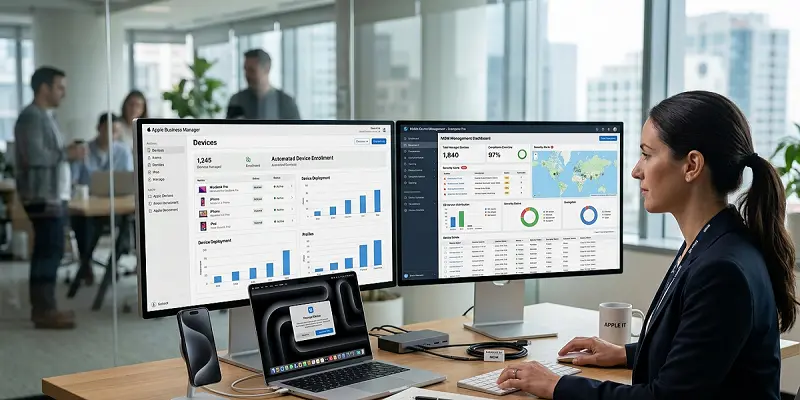
Apple Business connects the device to your company. MDM controls what happens on the device.
For example, Apple Business can assign a Mac to your company. Then Intune, Jamf, Mosyle, Kandji, or another MDM can install apps, enforce passcodes, control updates, and protect company data.
Apple Business Manager features in the UK and the USA
Apple lists Apple Business feature availability by country or region. That matters because the UK and the USA may not always have the same options.
| Feature | USA | UK |
|---|---|---|
| Built-in device management | Yes | Yes |
| Apps and Books | Yes | Yes |
| Managed Apple Accounts | Yes | Yes |
| Zero-touch deployment | Yes | Yes |
| Tap to Pay on iPhone | Yes | Yes |
| Extra business services | More options listed | Fewer options listed |
So, before you plan a rollout, check the feature list for your country. This helps you avoid planning around a feature that may not appear in your region.
Requirements before Apple Business Manager setup
Before you start, gather the right details. This makes setup faster and reduces verification issues.
You may need:
- Legal business name
- Business website
- Work email address
- Business phone number
- Verified company domain
- Admin user
- Apple customer number or reseller ID
- MDM platform, if needed
- Business verification details, such as D-U-N-S or another accepted ID
Also, avoid using a personal email as the main admin. Use a company-owned admin account. Then add at least one backup admin.
How to set up Apple Business Manager
Follow this simple setup flow.

| Step | What to do |
|---|---|
| 1 | Create or sign in to Apple Business |
| 2 | Verify your organization |
| 3 | Add and verify your company domain |
| 4 | Add users and assign roles |
| 5 | Add your Apple customer number or reseller ID |
| 6 | Connect Apple’s built-in device management or an external MDM |
| 7 | Assign devices to the right management service |
| 8 | Add app licenses through Apps and Books |
| 9 | Test setup with one device before a full rollout |
Start small. Test one Mac, iPhone, or iPad first. Then check sign-in, app install, Wi-Fi, passcode rules, MDM enrollment, and updates.
After that, roll out the setup to more users.
Apple Business Manager with MDM
Apple Business Manager and MDM work together, but each one has a different job.
In simple words, Apple Business connects devices to your company. After that, MDM controls what happens on those devices each day.
For example, Apple Business handles device ownership, app licenses, user accounts, and MDM assignment. Then, the MDM tool manages daily controls such as passcodes, apps, Wi-Fi, updates, and security settings.
With MDM, your IT team can manage:
- Passcode rules
- Wi-Fi and VPN settings
- App installs
- Device restrictions
- Remote lock and wipe
- Software updates
- Mac FileVault settings
- Compliance rules
Apple Business can use Apple’s built-in device management or an external MDM. Common choices include Microsoft Intune, Jamf, Mosyle, Kandji, Addigy, and SimpleMDM.
If your company uses Microsoft 365, Intune may be the best fit. However, Mac-heavy teams may prefer Jamf or Kandji. For smaller companies, Apple’s built-in device management may be enough.
Because of this, choose your MDM based on your device mix, team size, security needs, and budget.
Apple Business Manager with Microsoft Intune
Apple Business works with Microsoft Intune for automated device enrollment. Microsoft says the setup includes getting an Apple device enrollment token, syncing managed devices, creating an enrollment policy, and assigning that policy to devices.
The basic Intune flow looks like this:
- Create an Apple enrollment token in Intune.
- Connect Apple Business to Intune.
- Sync Apple devices.
- Create an enrollment profile.
- Assign the profile to devices.
- Test enrollment on one device.
Also, watch token renewal dates. Microsoft says Intune supports creating, renewing, and deleting Apple enrollment program tokens for automated device enrollment.
For internal linking, add: “For the full setup, read our Intune Apple enrollment guide.
What is zero-touch deployment?
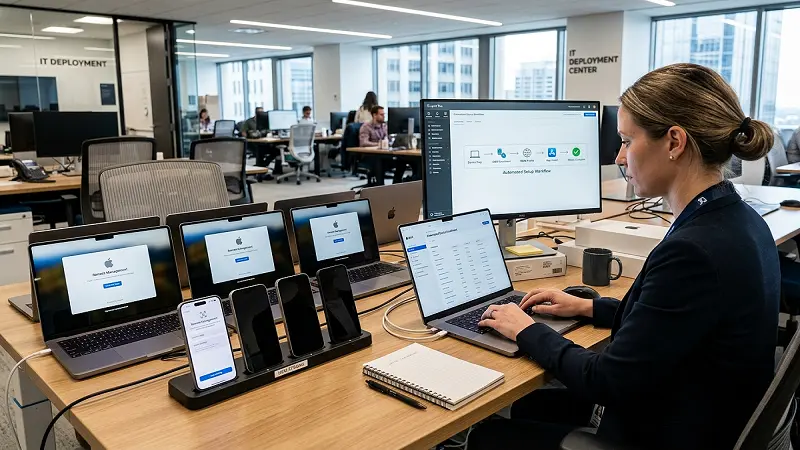
Zero-touch deployment means IT does not need to open and set up every device by hand.
Apple says organizations can automatically enroll devices in a device management service without physically preparing those devices before users get them.
Here is how it works:
- The company buys a Mac, iPhone, or iPad from Apple or an approved reseller.
- The device appears in Apple Business.
- IT assigns the device to MDM.
- The employee turns on the device.
- The device checks Apple’s servers.
- It enrolls in management and gets work settings.
As a result, employees get ready-to-use devices faster, and IT saves time.
Managed Apple Accounts
Managed Apple Accounts are work accounts owned by the company.
They are different from personal Apple Accounts. That matters because work access should stay with the business, not with an employee’s private account.
Managed Apple Accounts can help with:
- Work app access
- Employee onboarding
- Staff changes
- Domain-based accounts
- Company data control
For example, if an employee leaves, the company can remove work access without touching the person’s private Apple account.
Apps and Books in Apple Business
Apps and Books help companies get and assign app licenses.
You can use it to:
- Get free apps
- Buy paid app licenses
- Assign apps to users or devices
- Reclaim unused licenses
- Manage books where supported
This is better than asking employees to buy work apps with personal accounts.
If apps do not install, check three things first: license count, MDM assignment, and device connection.
Common Apple Business Manager problems and fixes
| Problem | Likely reason | Fix |
|---|---|---|
| Device not showing | Check the domain status and user role | Add it with Apple Configurator if supported |
| MDM token expired | Renewal was missed | Renew the token and sync MDM |
| Apps not installing | Not enough licenses | Buy more licenses or reclaim unused ones |
| User cannot sign in | Domain or role issue | The device was not assigned to MDM |
| Device skips MDM setup | Add seller ID and ask the reseller to assign devices | Assign it, then erase and set up again |
| Reseller devices missing | Seller ID was not added | Add seller ID and ask reseller to assign devices |
Best practices for Apple Business Manager
Use these tips before a full rollout:
- Test with one device first.
- Use a company-owned admin account.
- Add at least one backup admin.
- Save token renewal dates.
- Use clear device names.
- Create groups by role or team.
- Keep app licenses clean.
- Review country features before setup.
- Document your reseller ID, MDM link, and admin roles.
These small steps prevent bigger problems later.
Apple Business Manager FAQs
Is Apple Business Manager still available?
Apple Business Manager is now part of Apple Business. People still use the ABM name, but Apple uses Apple Business for the current platform.
Is Apple Business Manager free?
Apple Business is free to access in many countries and regions. However, MDM tools, app licenses, storage, support, or AppleCare+ may cost extra.
What replaced Apple Business Manager?
Apple Business replaced Apple Business Manager as part of a larger platform that also includes features from Apple Business Essentials and Apple Business Connect.
Do I need MDM with Apple Business Manager?
Most companies do. Apple Business helps assign devices and apps, while MDM controls settings, security, updates, and restrictions.
Can I use Apple Business Manager with Intune?
Yes. Apple Business works with Intune for automated enrollment, token sync, enrollment profiles, and device assignment.
Can I add old devices to Apple Business Manager?
Some devices can be added with Apple Configurator, depending on device type and setup state. Devices bought through Apple or an approved reseller are easier to add.
Why are my devices not showing in Apple Business Manager?
The device may not have been bought through Apple or an approved reseller. Also, your reseller ID may be missing, or the reseller may not have assigned the device yet.
Final thoughts on this Apple Business Manager Guide
This Apple Business Manager Guide gives you the updated 2026 view. The old ABM name still matters for search, but the current platform is Apple Business. So, start there. Create your organization, verify your domain, connect MDM, assign devices, test one device, and then roll out the setup in stages.
Apple Business helps you connect Apple devices to your company. MDM helps you control those devices after setup. Together, they make Apple device management faster, safer, and easier to scale.

